Download YouTube subtitles and transcripts
Paste a YouTube link to fetch the video's captions and see a preview, with no account. Sign up free to import the full captions and download them as SRT, VTT, TXT, JSON or DOCX.
- Preview free, no account
- SRT, VTT, TXT, JSON, DOCX
- 30 free minutes on signup, no card
How it works
- 1
Paste a YouTube link
Any public video. Pick the caption language, or keep the one that matches your browser.
- 2
See a preview
The first lines of the captions, with no account. One try a day, shared with our TikTok and Instagram tools.
- 3
Download the file
Sign up free, paste the link in your dashboard to import the full captions, then download SRT, VTT, TXT, JSON or DOCX.
Get the full captions in your dashboard
After you sign up, paste the same link into the dashboard's link box. It imports the video's full captions and uses 1 minute of your plan per minute of video, rounded up.
You get the captions as YouTube has them: one speaker, with YouTube's own timing. Whether they are the creator's captions or YouTube's automatic ones depends on the video. A video with no captions gets a generated transcript instead, which takes a few minutes for a long video.
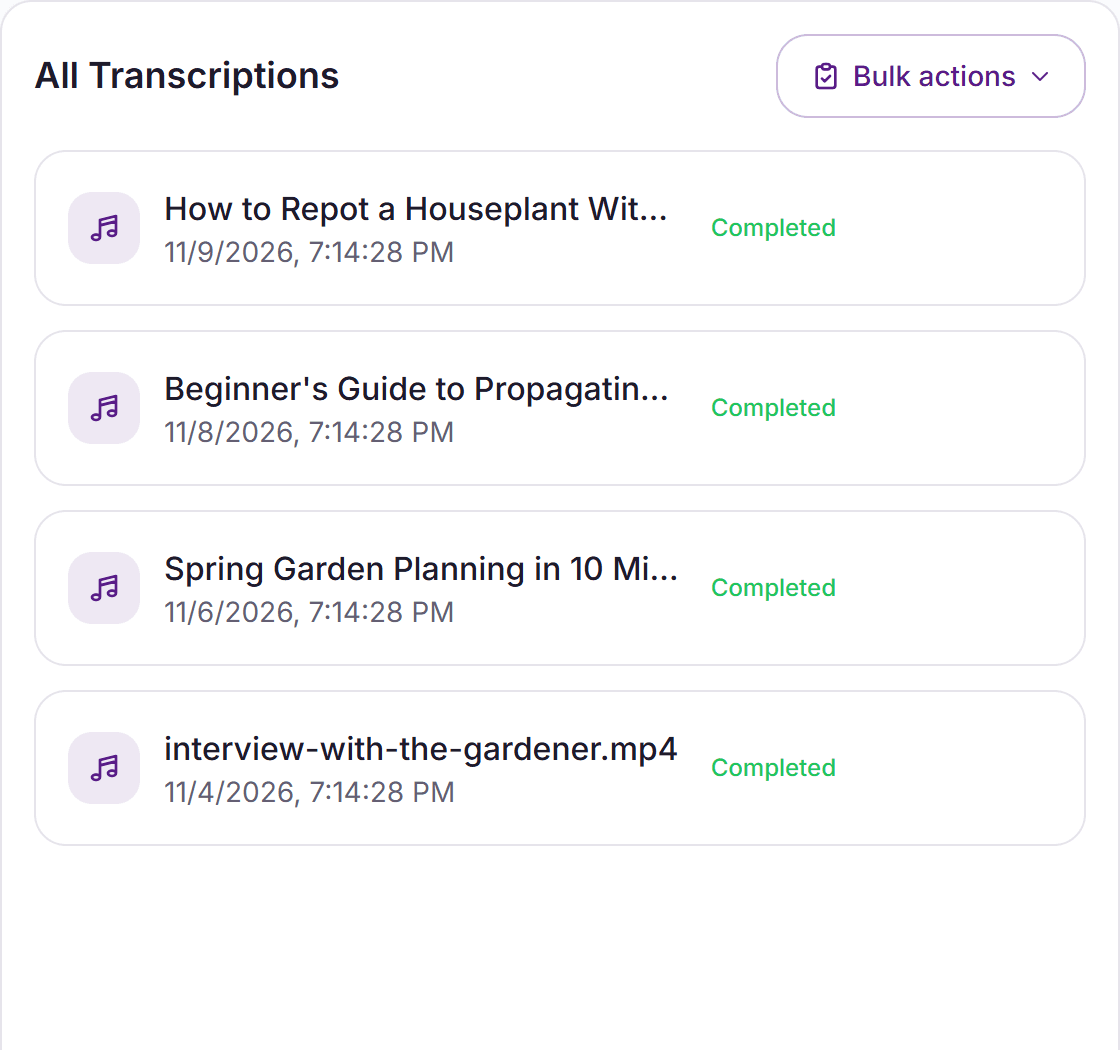
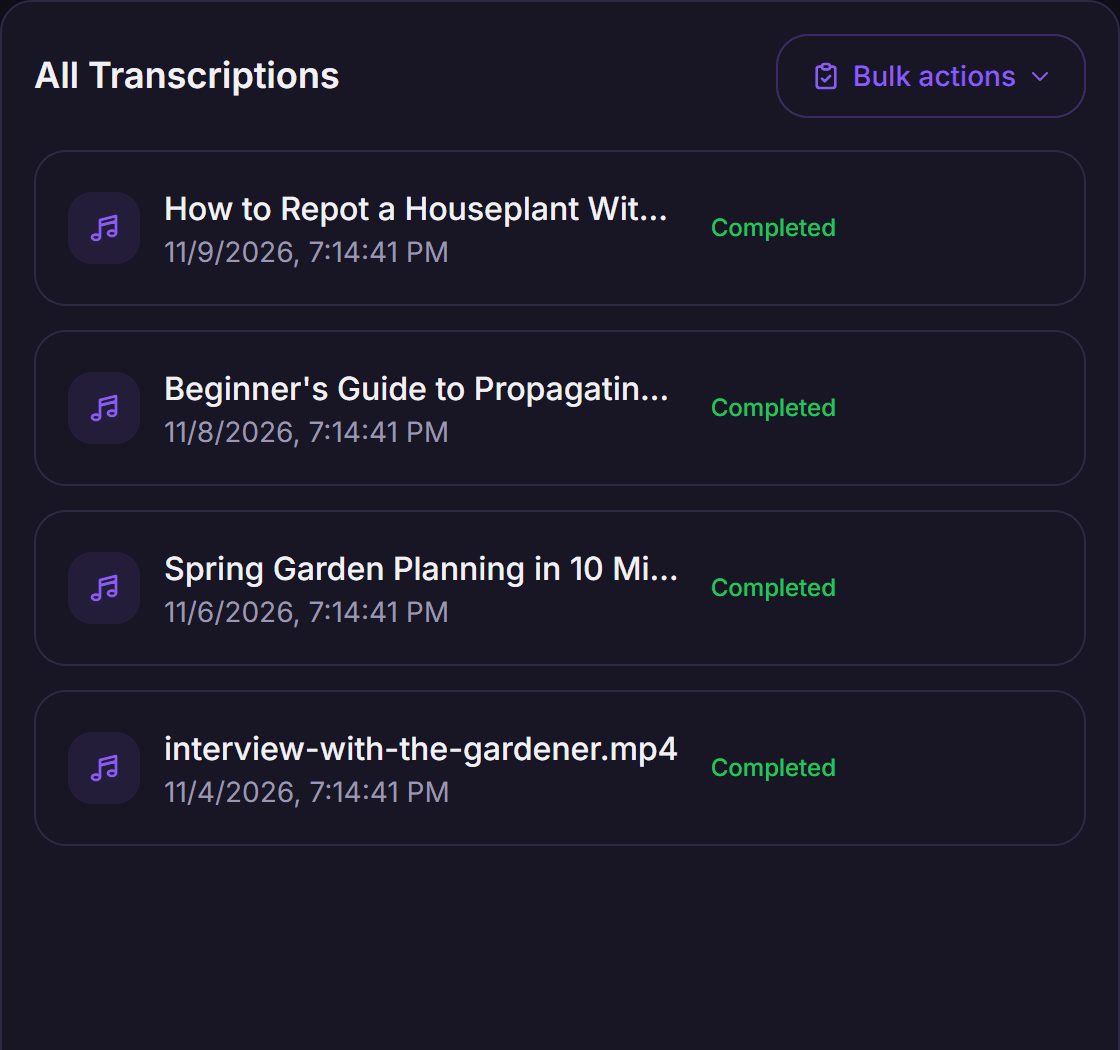
Read, search and fix the captions
Every line keeps its timestamp, so you can find a moment without scrubbing through the video. Fix a misheard name before you download, and every format picks up the change.
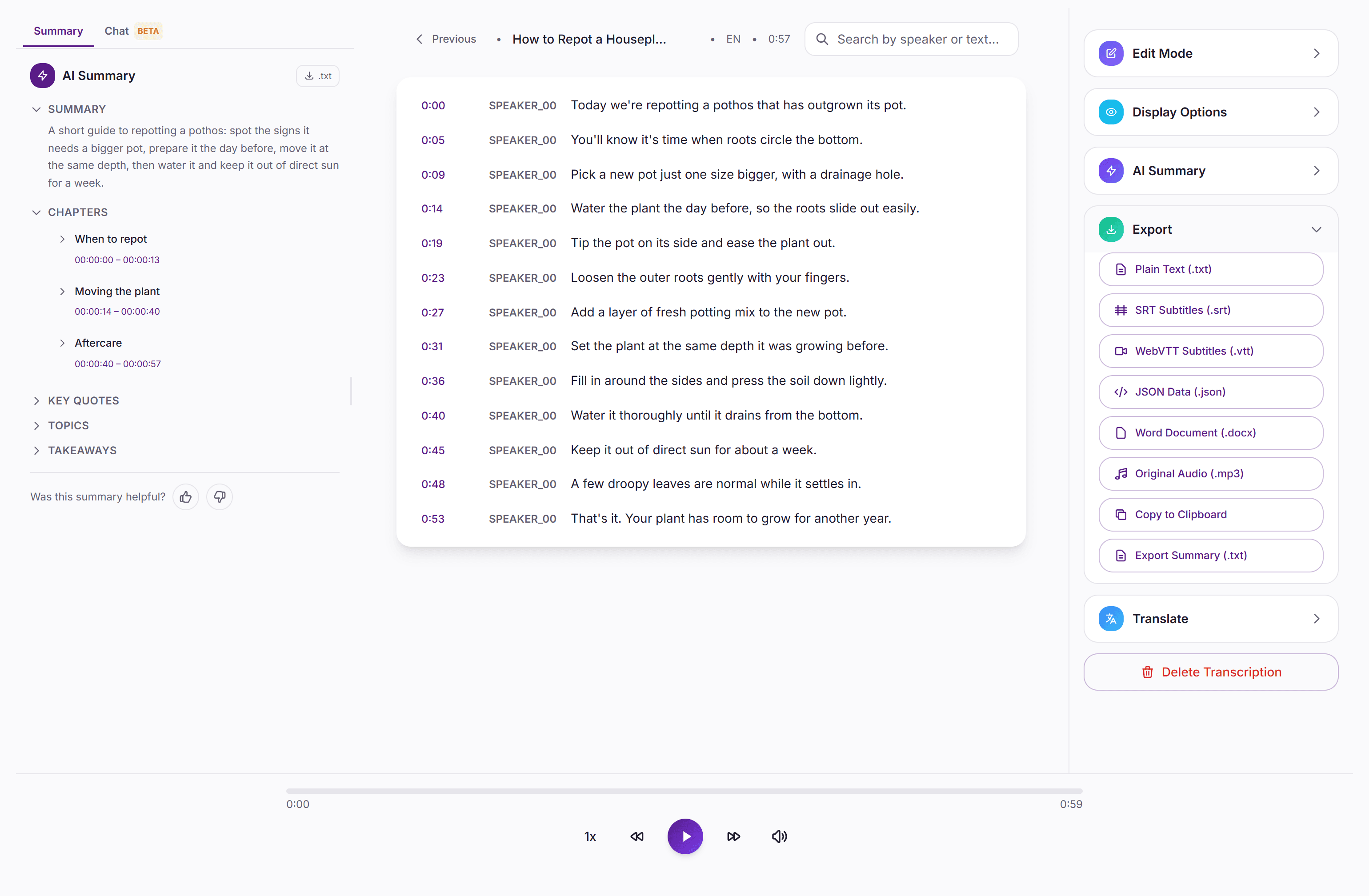
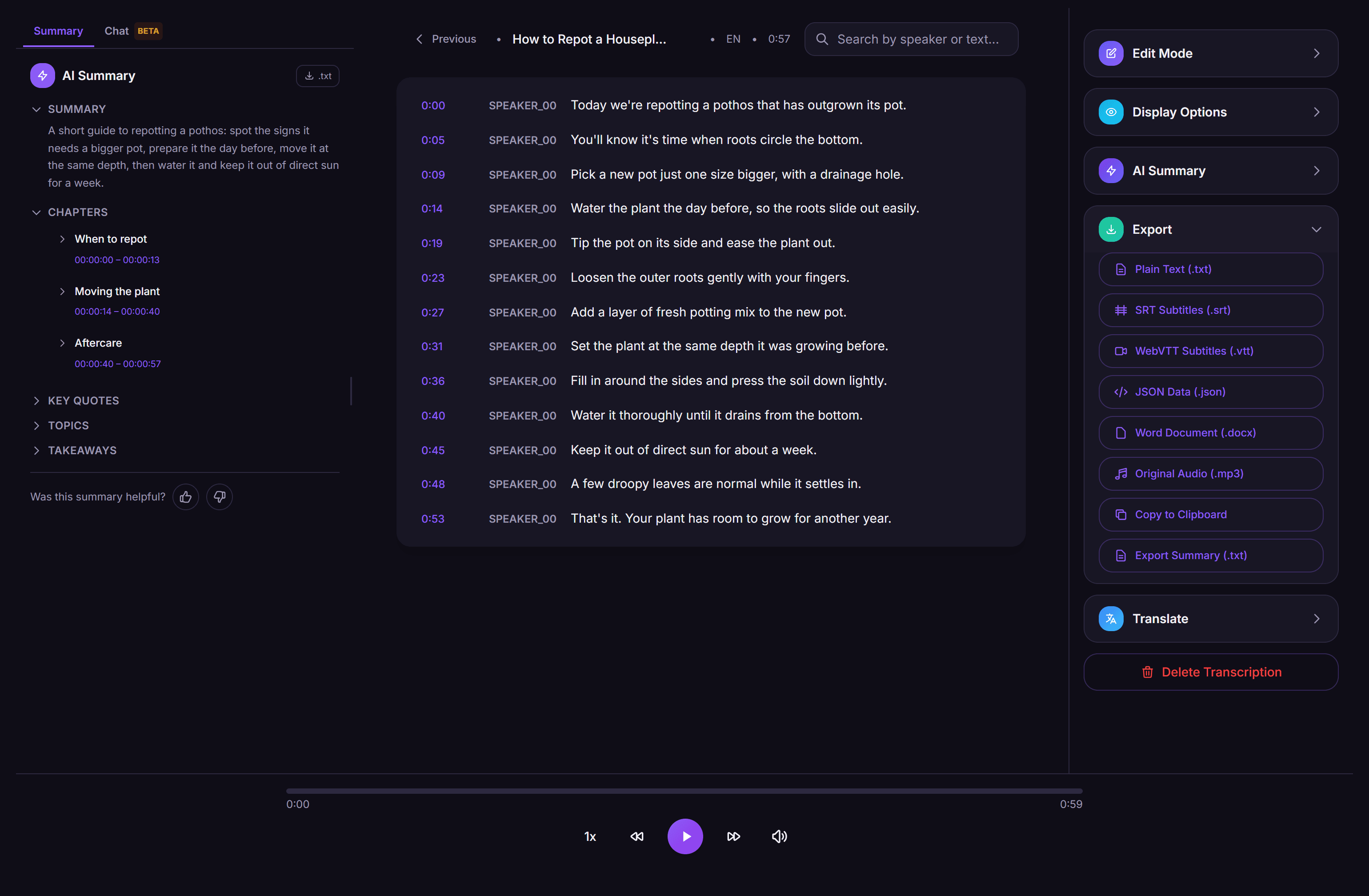
Pick the file you need
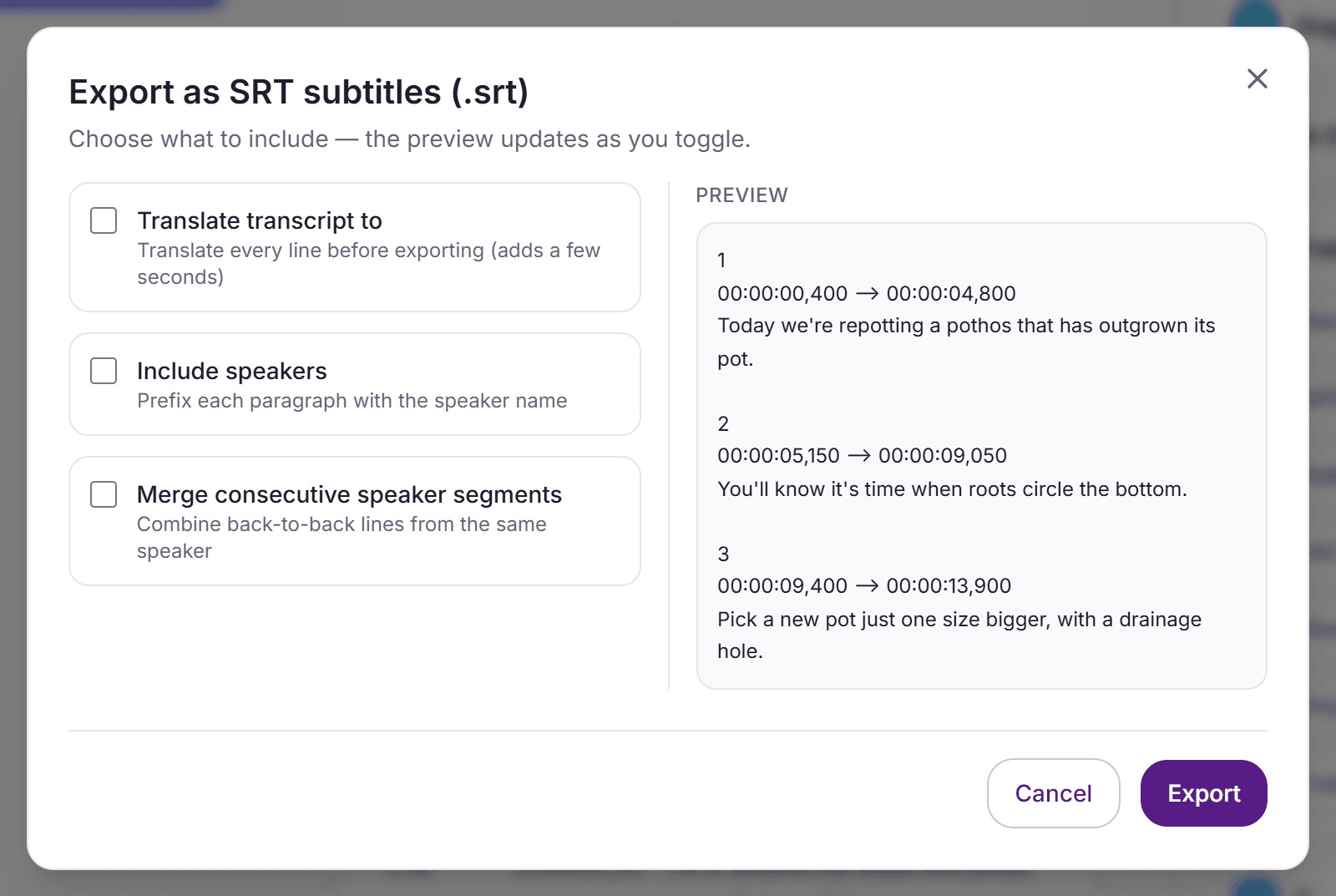
- SRT — Video editors and re-uploading to YouTube. The safe choice if you're not sure.
- VTT — Web video players and HTML5 video.
- TXT — Reading, quoting and notes, without timestamps.
- DOCX — A Word document with timestamps.
- JSON — Your own scripts and tools, with segment-level timestamps.
SRT exports follow our cue rules, so very long lines are split. Speaker labels are on by default; turn them off for plain subtitles, since YouTube captions have no speaker names. Exports never use minutes.
Subtitles in another language
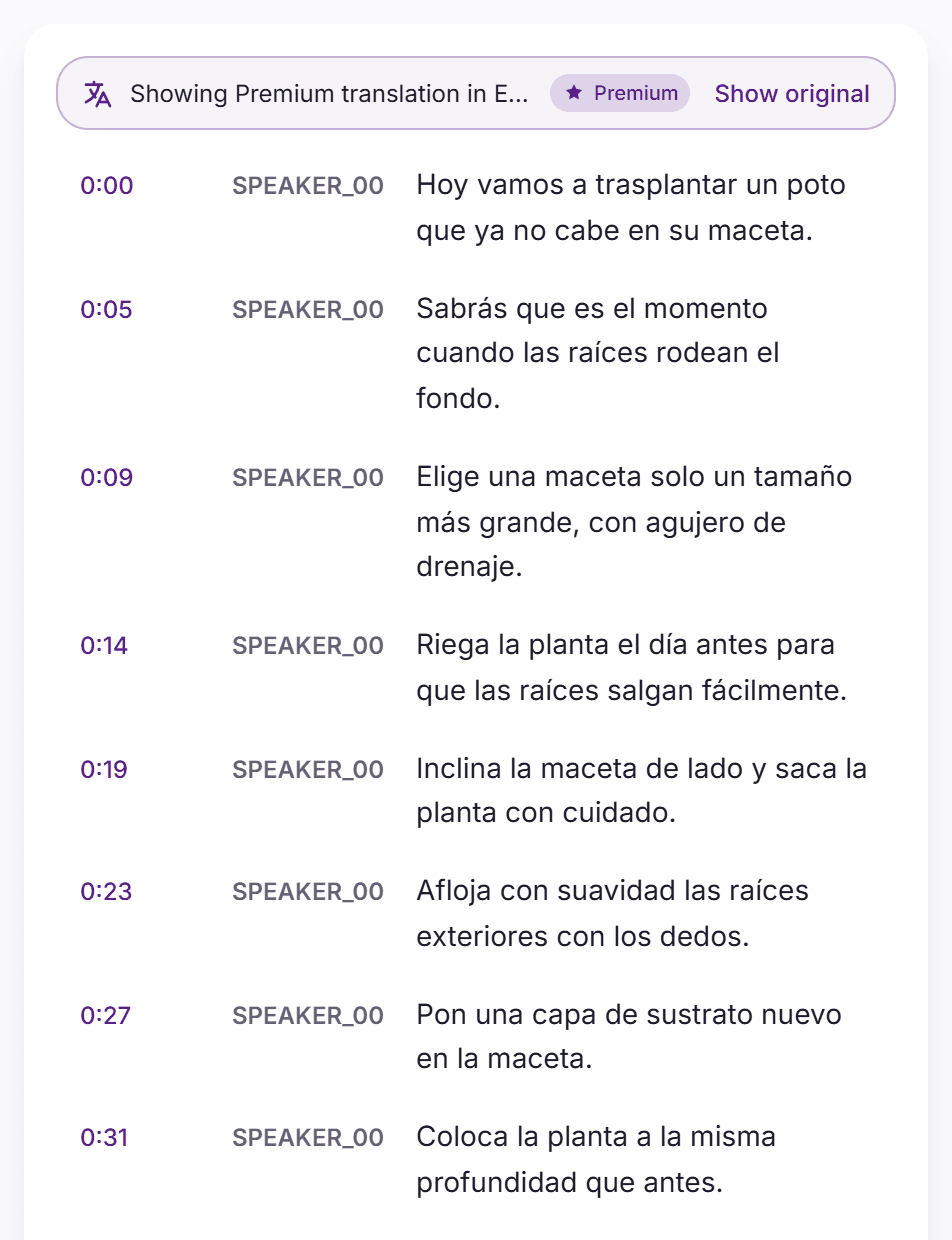
The preview lets you pick from 16 caption languages. Once the captions are in your dashboard, translate them into 130+ languages and every line keeps its timing, so the file still lines up with the video. Standard translation is free and never uses minutes.
For subtitles you'll publish, there is Premium translation: it uses an AI model instructed to translate idioms naturally rather than word for word, keep names, places and numbers exactly as spoken, and match the speaker's tone.
Premium uses 1 minute of your plan per 5,000 characters of the original transcript, at least 1 minute; that is roughly 6 to 9 minutes of speech, depending on the language. Once you've paid for a Premium translation, it's saved with your transcript. Opening or exporting it again uses no more minutes. Edits made after translating aren't reflected in the saved translation.
The point of a long video, without rewatching
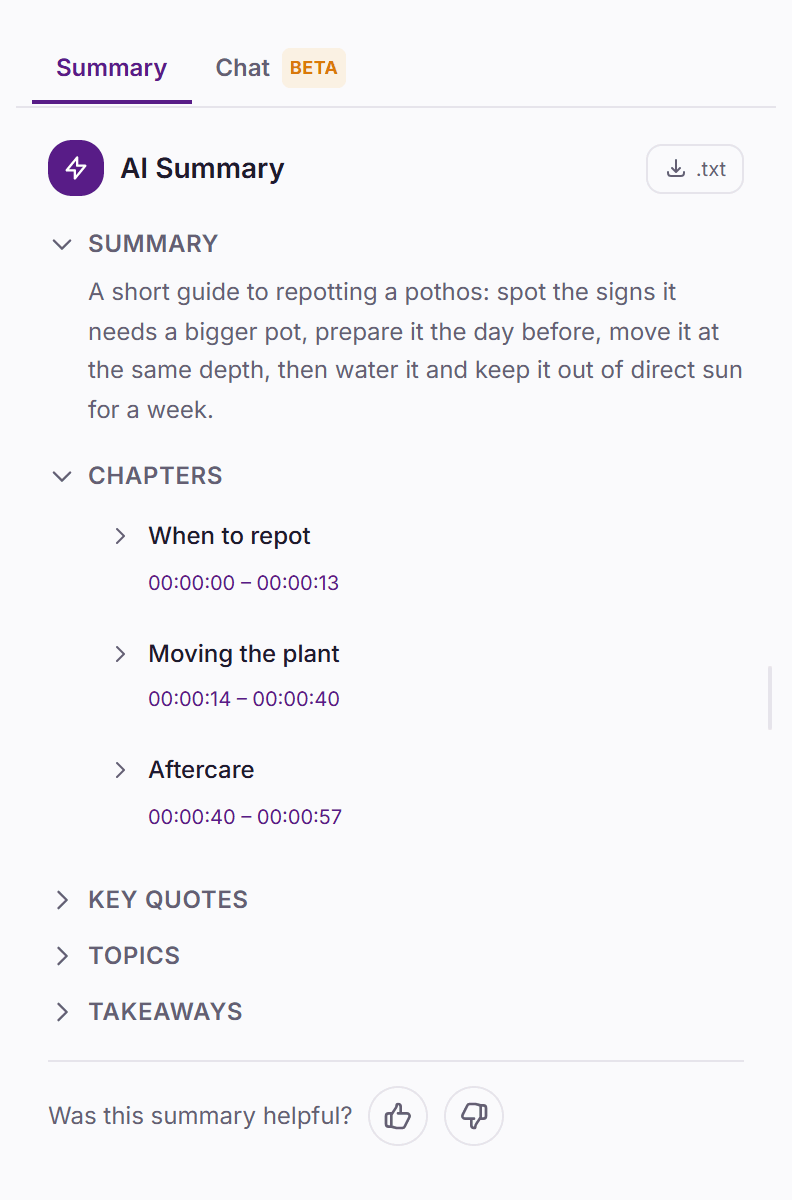
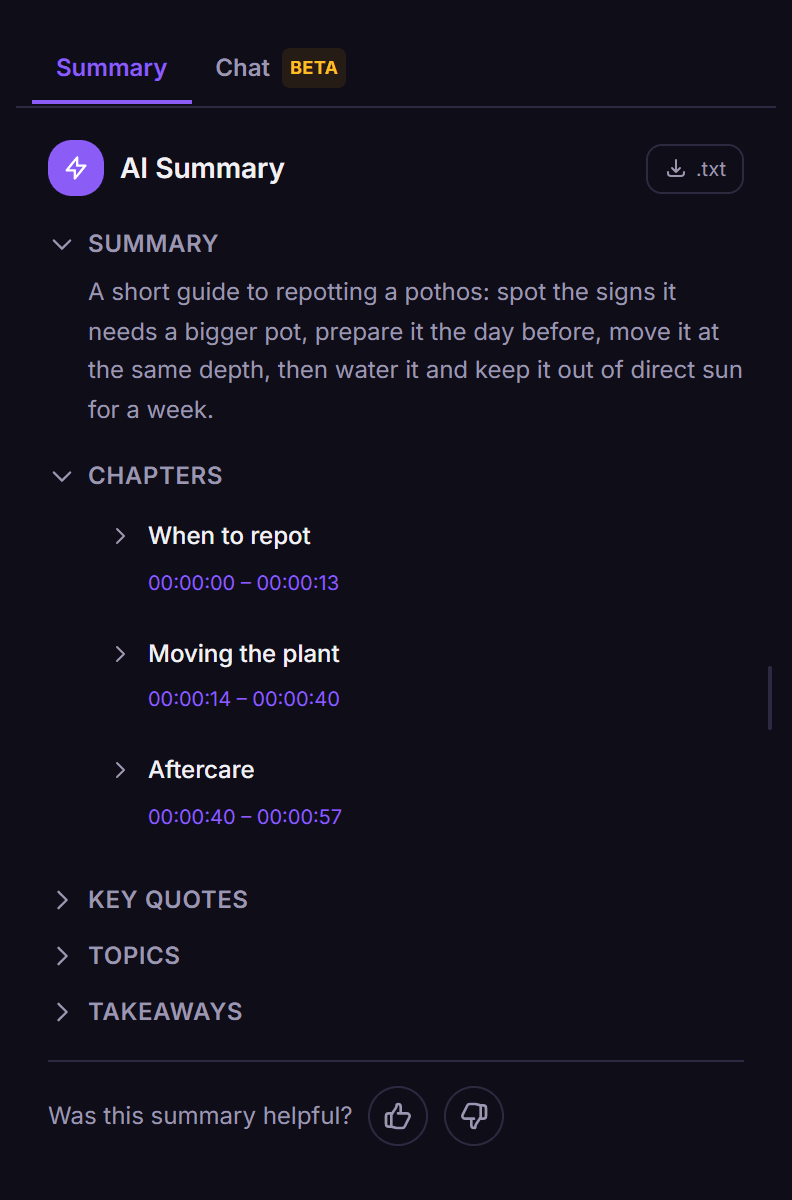
Summarize the imported captions into timed chapters, key quotes and takeaways. Summaries never use minutes. On paid plans you can also ask questions about the video.
Good to know
No captions?
A transcript is generated instead. It takes a few minutes for a long video, so keep the page open. For speaker labels, upload the video file instead.
Links that work
youtube.com/watch links (with or without a start time), youtu.be, m.youtube.com and music.youtube.com. The video needs to be public.
One video at a time
Each link brings in one video. To work through several, import them one after another; they all stay in your dashboard.
Working with video?
Transcribe a video file →
Upload the video itself for a transcript with timestamps and speaker labels.
Subtitles from a video file →
A timed .srt or .vtt for a video that has no captions yet.
Summarize a video →
The main points of a YouTube video or an uploaded file.
TikTok captions →
Paste a TikTok link for its captions. Free, with no account.
Instagram captions →
Paste a reel's link for its captions. Free, with no account.
Edit an SRT file →
Adjust timings, split and merge cues, and check reading speed. Free.
- Plans from $2 a month
- No overage charges
- No watermark
- Cancel anytime
- See plans
VexaScribe doesn't use your audio or transcripts to train AI models.
Frequently Asked Questions
Is it free?
The preview is free without an account: one try a day, shared with our TikTok and Instagram tools. To download the file, sign up for 30 free minutes, no card required. Importing a video uses 1 minute per minute of video; exports never use minutes.
Why does signing up still show only a preview?
The full captions come from your dashboard. After you sign up, paste the same YouTube link into the dashboard's link box to import them, then download SRT, VTT, TXT, JSON or DOCX.
Which format should I choose?
SRT for video editors and re-uploading to YouTube, VTT for web players, TXT for reading and quoting, DOCX for a Word document with timestamps, and JSON for your own tools. If you're not sure, choose SRT.
Why didn't my video work?
Most often the video isn't public, or the day's free try was already used. A video without captions takes longer, because a transcript is generated instead; keep the page open for a few minutes.
Can I get the subtitles in another language?
The preview lets you choose from 16 caption languages. After importing, you can translate the captions into 130+ languages with the timing kept.
Can I download a whole playlist?
No. Each link brings in one video, so import the videos one at a time. They all stay in your dashboard.