Transcribe audio to text, with timestamps and speakers
Upload a recording and get a transcript where every line has a time and a speaker. Edit it, translate it, summarize it, then download it.
- Up to 5 minutes free, no account
- 30 free minutes on signup, no card
- Unlimited exports
Drop your audio file here
or click to browse
Audio: MP3 · WAV · M4A · AAC · OGG · OPUS · WMA · FLAC · AMR · AIFF
Video: MP4 · MOV · MPEG · WMV · AVI · MKV · WEBM · FLV · 3GP · M4V
Up to 200 MB · first 5 minutes free, no account
Free 5-minute preview · no account · files up to 200 MB · sign up free for 30 minutes and 5 GB files
How it works
- 1
Upload
Drop in a recording above. In the app you can also paste a shared Google Drive file or a direct HTTPS link.
- 2
Transcribe
Speakers and timestamps are added automatically. Median processing time is about 3 minutes per audio hour.
- 3
Download
TXT, DOCX, SRT, VTT or JSON, with timestamps and speakers on or off.
Every line has a time and a speaker
Speakers are detected and labelled automatically, and every line keeps its timestamp, so you can find any moment in the recording.
Rename speakers and fix a misheard word while the audio plays in sync with the text.
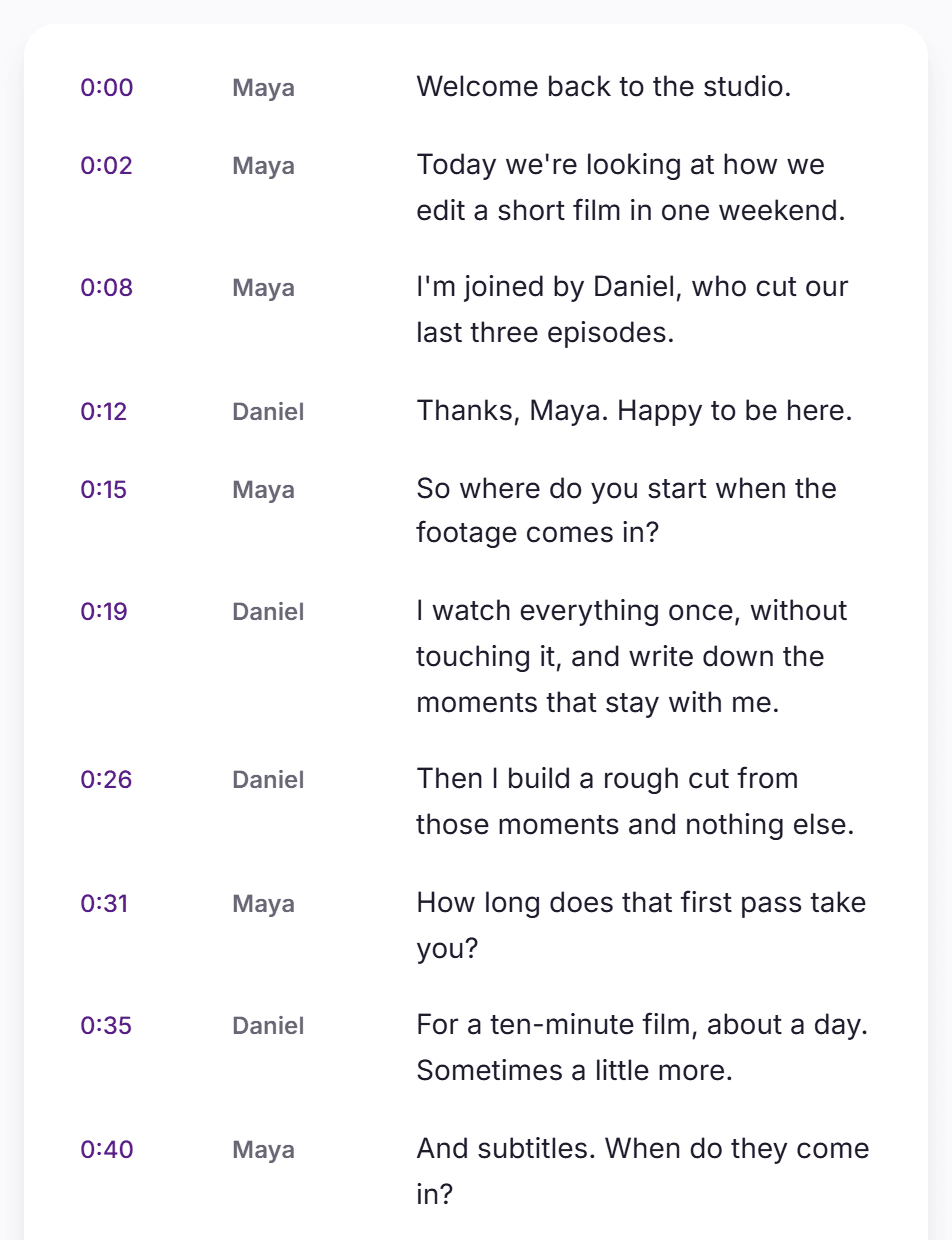
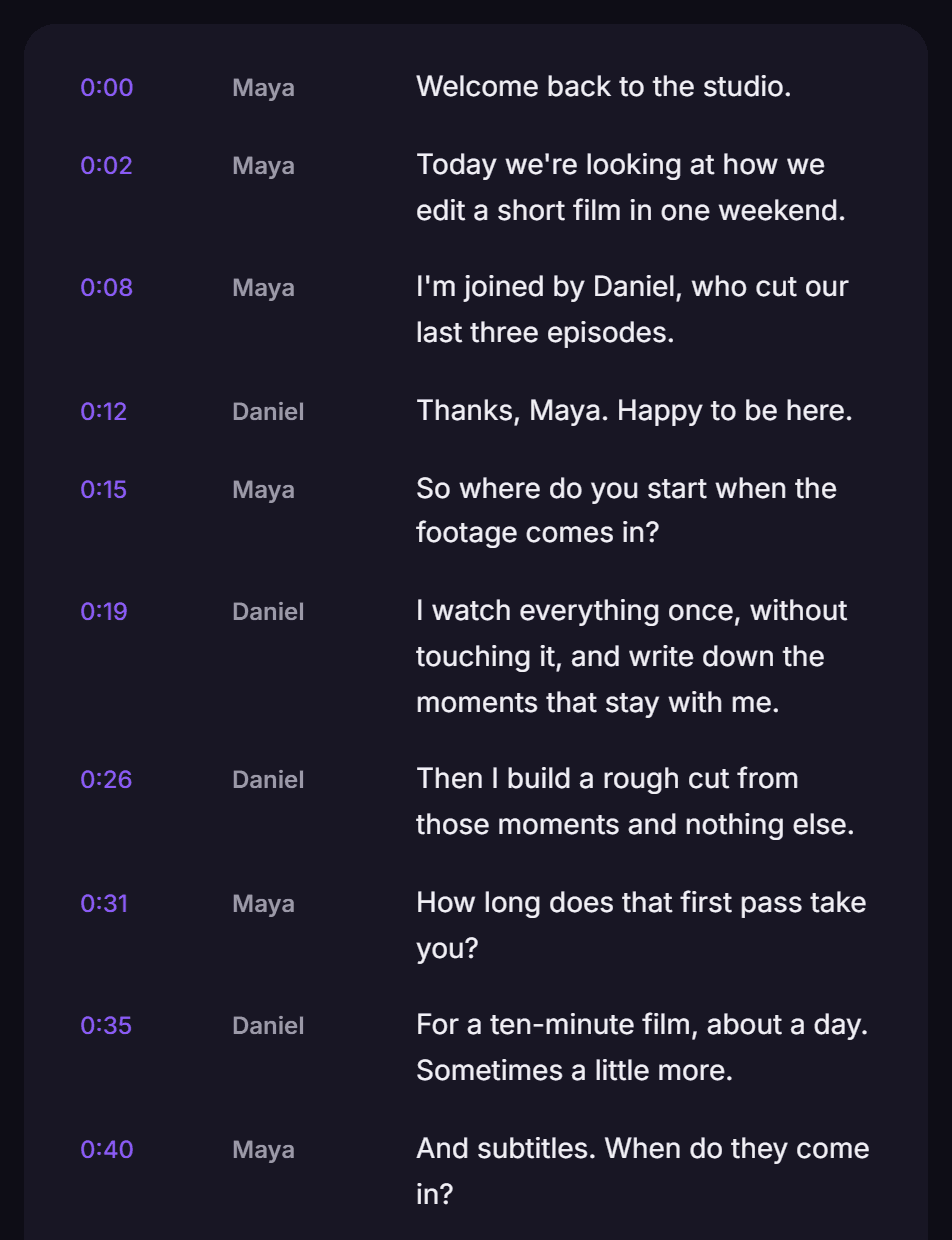
Download it the way you need it
Plain text, Word, subtitles (SRT or VTT) or JSON. Turn timestamps and speaker names on or off; the preview shows the file before you download it.
[00:00:00] Maya: Welcome back to the studio.
[00:00:02] Maya: Today we're looking at how we edit a short film in one weekend.
[00:00:08] Maya: I'm joined by Daniel, who cut our last three episodes.
Exports are unlimited on every plan, including free.


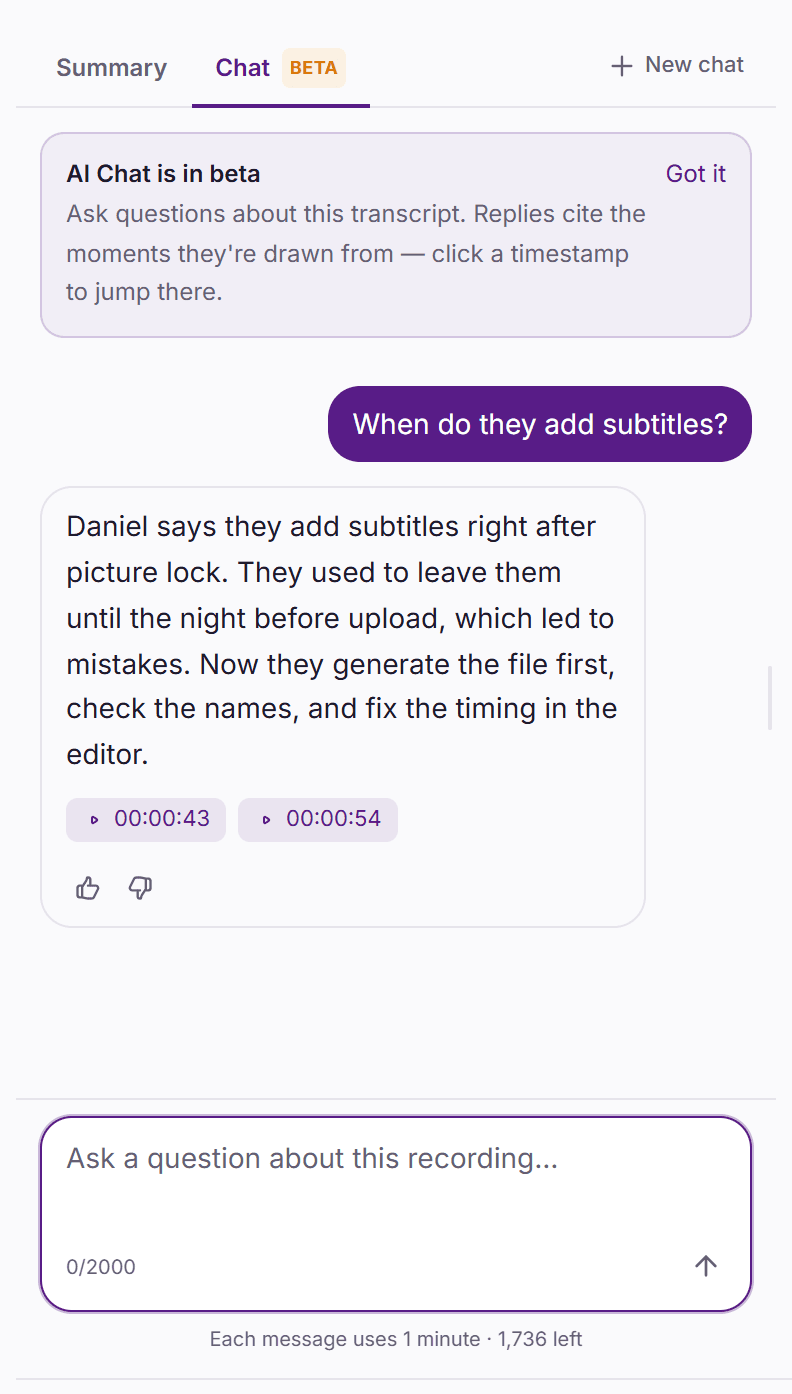
Summaries and answers from the recording
Pick a summary type (General, Meeting, Sales call, Interview, Lecture or Podcast) and get timed chapters, key quotes and takeaways. Summaries never use minutes.
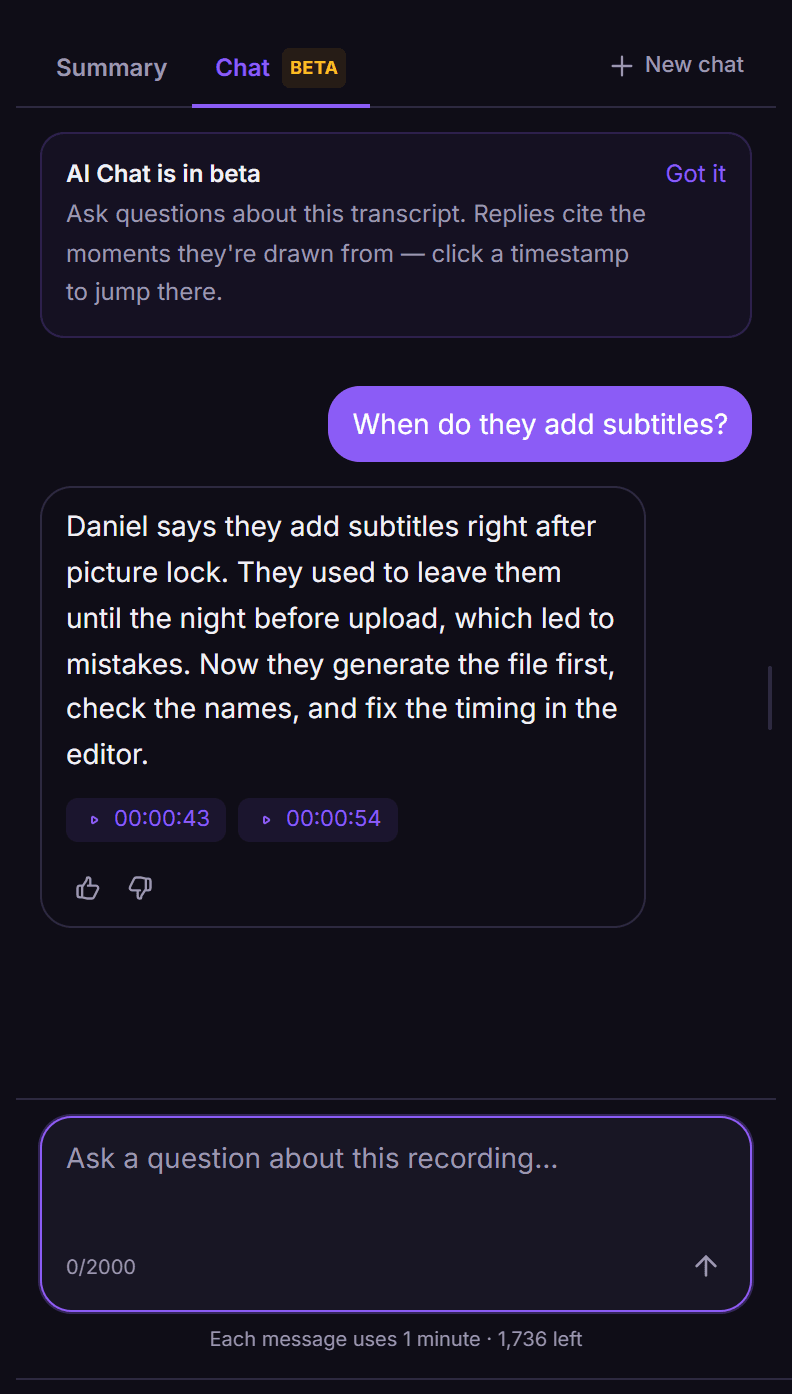
On paid plans, ask questions about the recording; answers link to the moments they come from. Each message uses 1 minute.
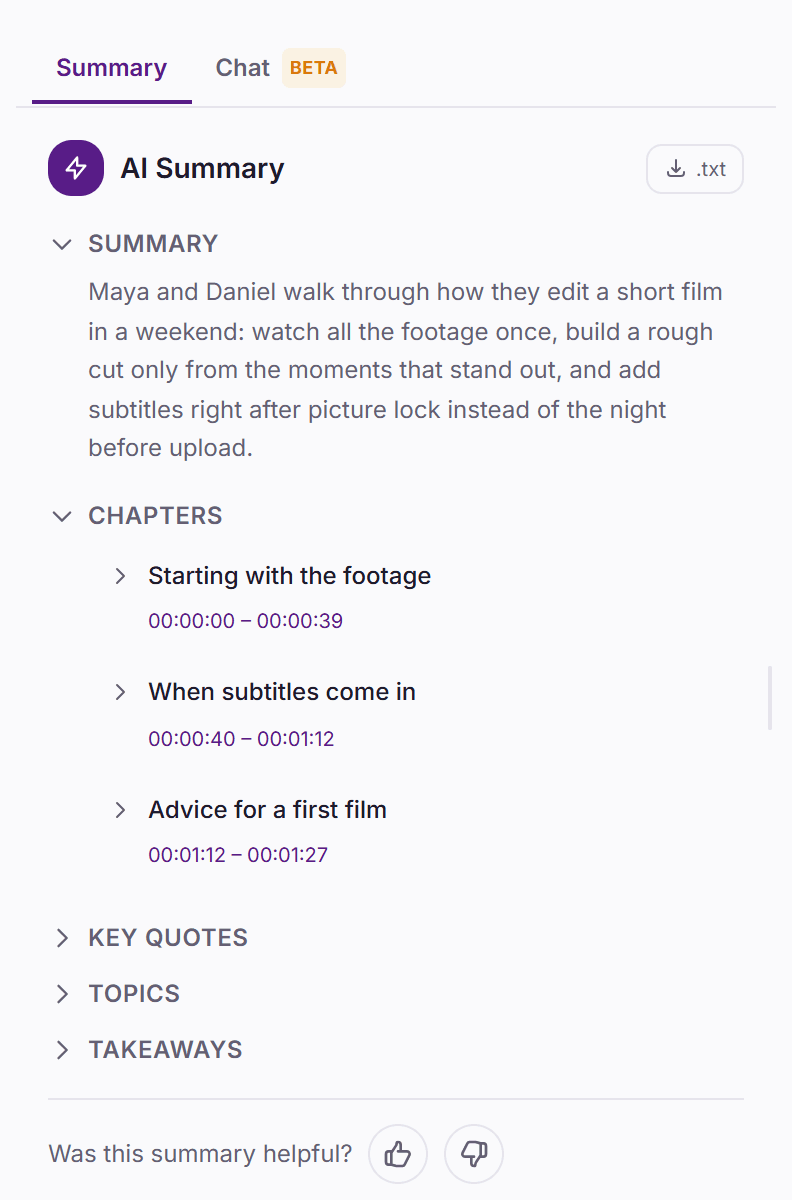
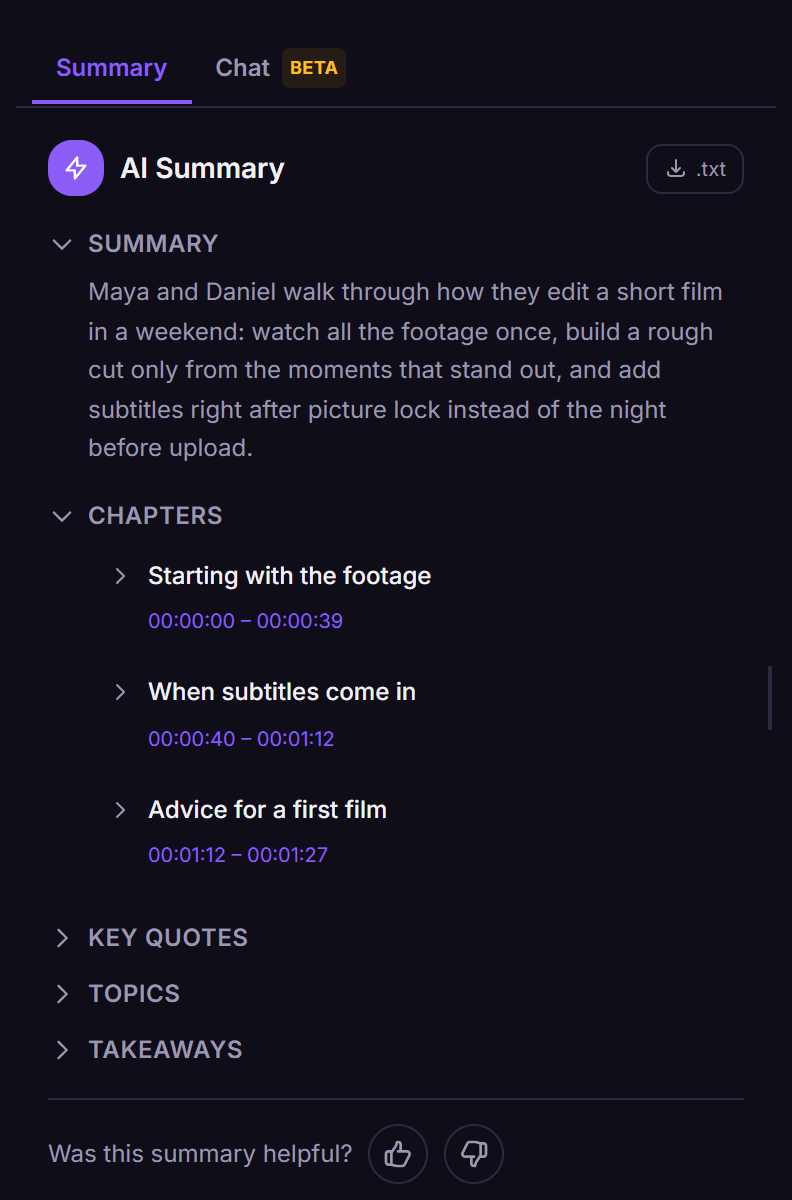
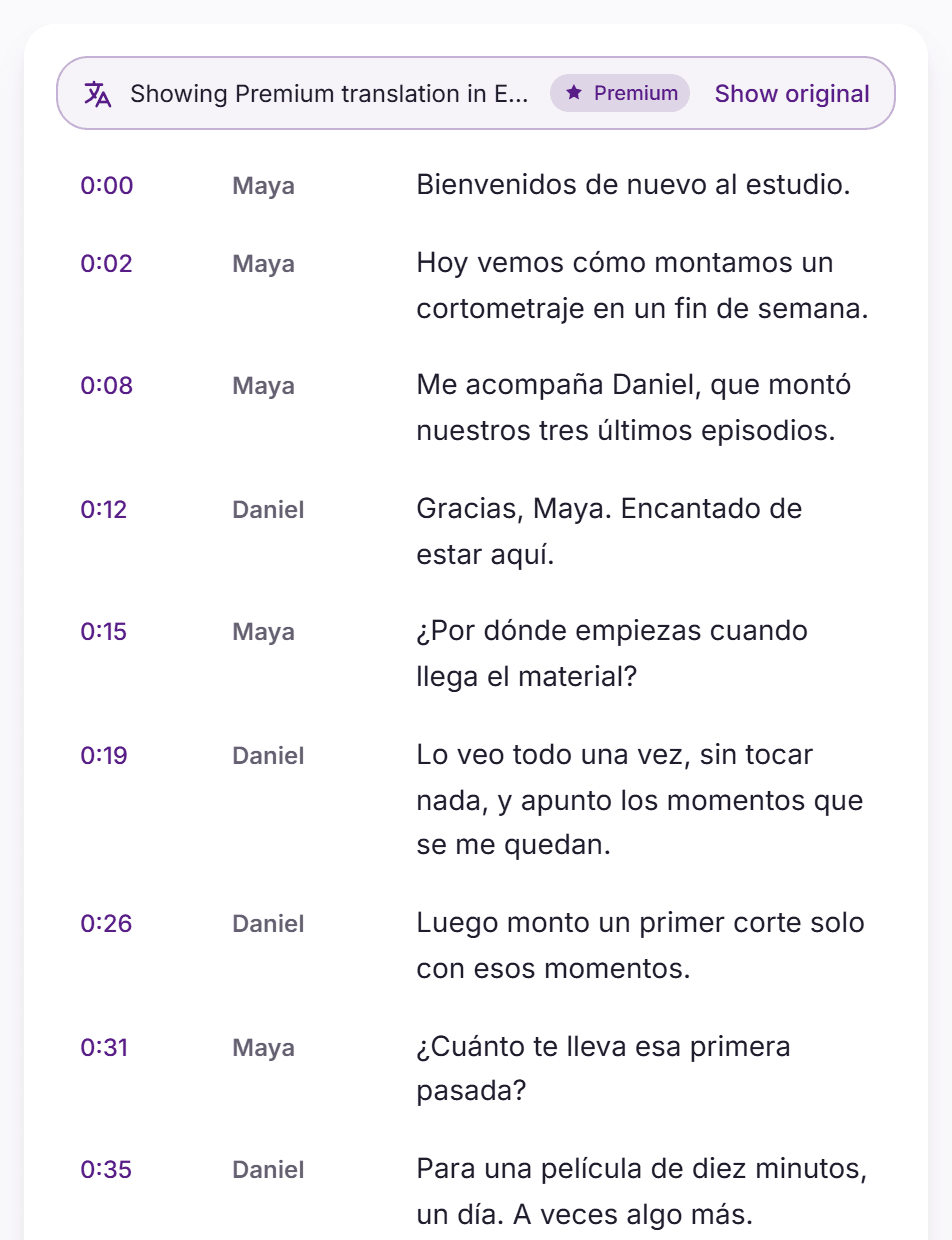
Translate into 130+ languages
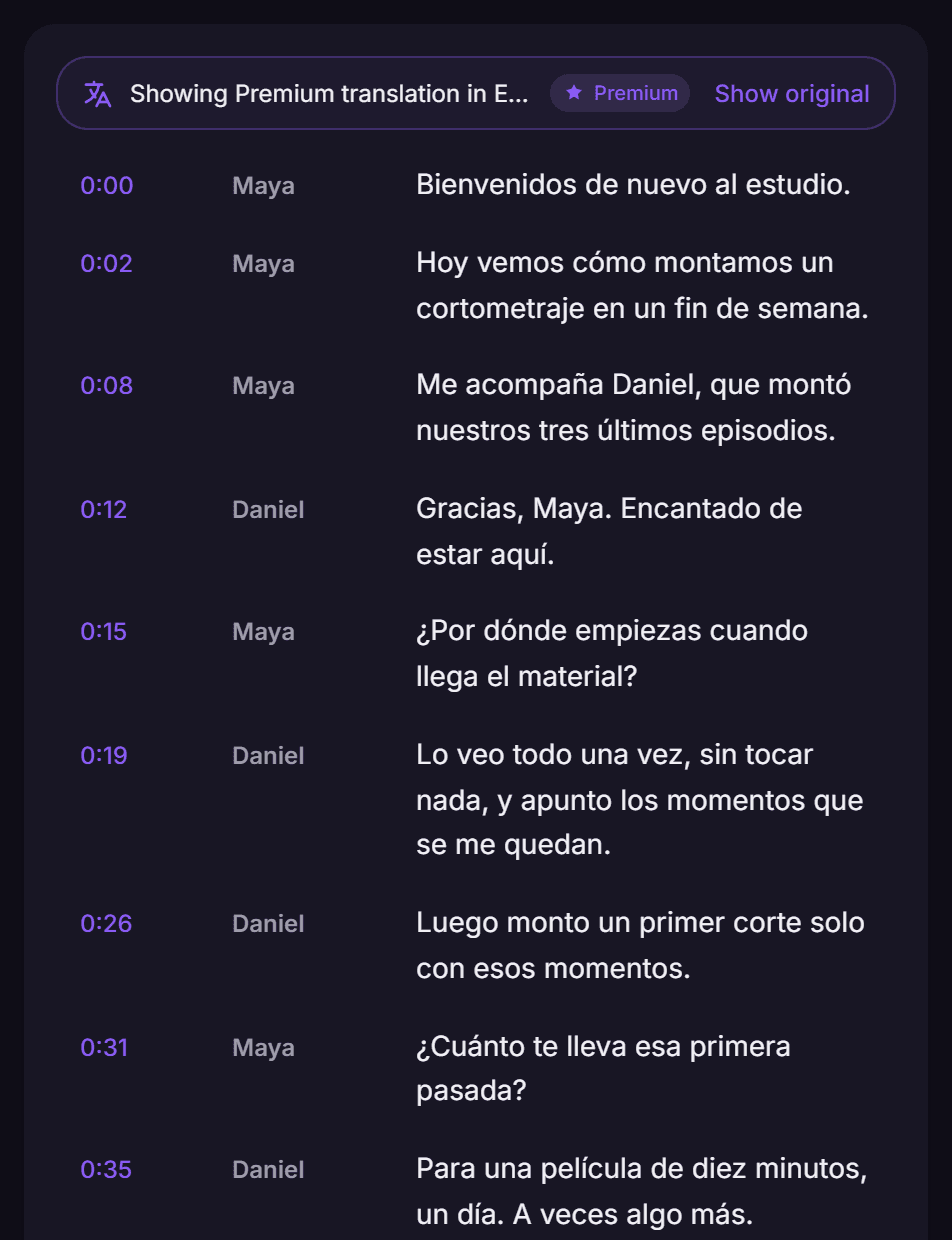
The translation keeps every timestamp and speaker, so it lines up with the original recording. Standard translation is free and never uses minutes.
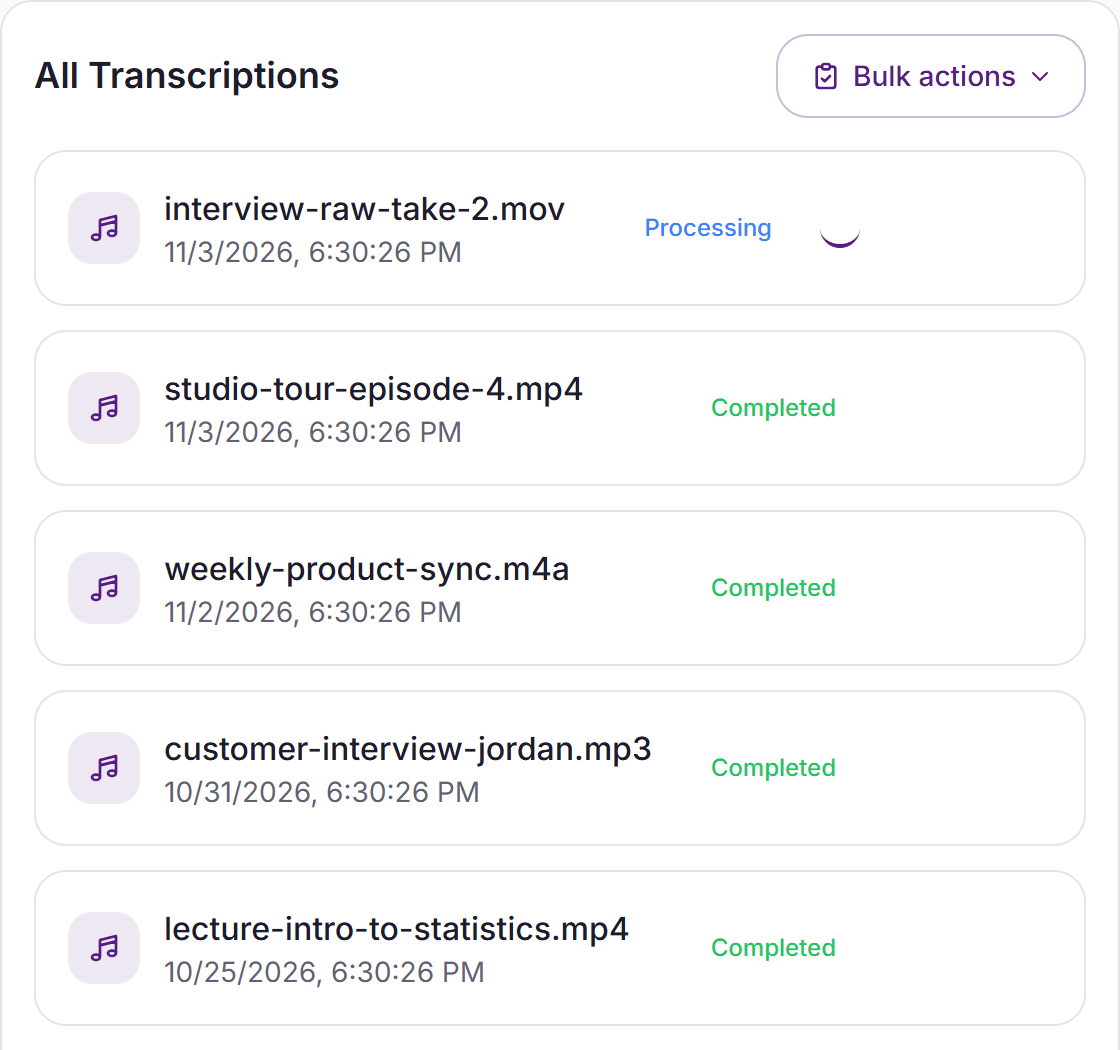
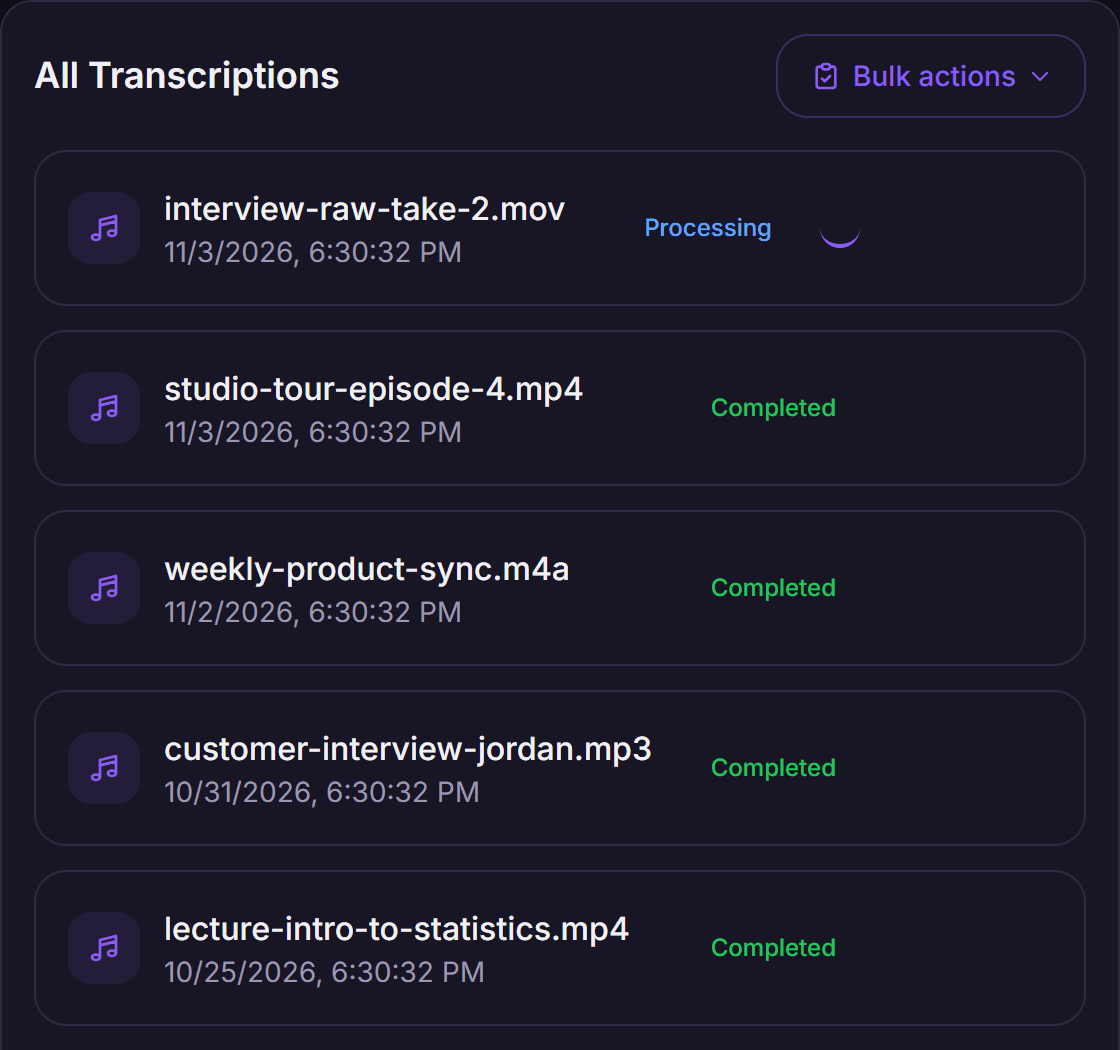
One file or fifty
Upload up to 50 files at once; each one is processed automatically. With an account, files can be up to 5 GB with no length limit.
Export up to 200 transcripts in one go. More on bulk transcription
The details
Standard
Runs OpenAI Whisper and covers 99 languages. Uses 1 minute of your plan per minute of audio, with a median processing time of about 3 minutes per audio hour.
Premium
Our Premium transcription engine covers 56 languages. Premium uses a dedicated speaker-identification model for more precise speaker labels. Uses 2 minutes per minute of audio, with a median processing time of about 2 minutes per audio hour.
Free previews without an account use Premium. On both, speaker labels, the editor, exports and summaries never use minutes.
Languages
The language is detected automatically, or you can pick it. Accuracy is highest for widely spoken languages.
Files
MP3, WAV, M4A, AAC, OGG, OPUS, WMA, FLAC, AMR, AIFF, MP4, MOV, MPEG, WMV, AVI, MKV, WEBM, FLV, 3GP and M4V. Up to 200 MB without an account, 5 GB with one.
Links
In the app, Google Drive files shared as "Anyone with the link" and direct HTTPS links are fully transcribed, with speakers, up to 5 GB. YouTube, TikTok and Instagram links bring in the video's own captions, without speakers.
Transcribing something specific?
Podcasts →
A transcript for show notes, and SRT or VTT captions from the same recording.
Lectures →
A Lecture summary with timed chapters to revise from.
Meetings →
A Meeting summary, or send the meeting bot to Google Meet, Zoom or Teams.
Voice memos and voicemail →
Upload M4A, MP3 or WAV recordings from your phone and read them as text.
Video →
MP4, MOV, MKV, WEBM and other video files are transcribed from their audio track.
- Plans from $2 a month
- No overage charges
- No watermark
- Cancel anytime
- See plans
VexaScribe doesn't use your audio or transcripts to train AI models.
Frequently Asked Questions
How do I transcribe audio to text?
Upload the recording above; in the app you can also paste a shared Google Drive file or a direct HTTPS link. The transcript comes back with timestamps and speaker labels; median processing time, not counting upload and conversion, is about 3 minutes per audio hour on Standard and about 2 on Premium. Edit it, then download it as TXT, DOCX, SRT, VTT or JSON.
Is it free?
Try up to 5 minutes free without an account, on files up to 200 MB. Sign up for 30 free minutes, no card required; files can then be up to 5 GB, with no length limit. Paid plans start at $2 a month for 200 minutes. Exports are unlimited on every plan, and there are no overage charges.
How accurate is it?
No automatic transcript is perfect; accuracy is highest for clear audio in widely spoken languages. What helps most: recording close to the speaker, little background noise, and one person speaking at a time. Check names, numbers and technical terms in the editor while the audio plays. Standard runs OpenAI Whisper; our benchmark of Whisper, by audio type and language, is on the Whisper accuracy page. Automatic transcripts are drafts, not certified court records, and sung vocals transcribe less accurately than speech.
Which languages does it work in?
Standard transcribes 99 languages and Premium 56; for a language outside the Premium list, use Standard. The language is detected automatically, or you can pick it. Accuracy is highest for widely spoken languages. Translation covers 130+ languages, with the timings kept. If you export subtitles, splitting is not yet tuned for languages written without spaces (Chinese, Japanese, Korean, Thai, Lao, Khmer, Burmese, Tibetan), so check long cues in those.
Which files can I upload?
MP3, WAV, M4A, AAC, OGG, OPUS, WMA, FLAC, AMR, AIFF, MP4, MOV, MPEG, WMV, AVI, MKV, WEBM, FLV, 3GP and M4V, up to 200 MB without an account and 5 GB with one. Video files are transcribed from their audio track. In the app, Google Drive files shared as "Anyone with the link" and direct HTTPS links are fully transcribed with speaker labels. YouTube, TikTok and Instagram links bring in the video's own captions, without speaker labels, and normally fail if the video has none.
Can ChatGPT transcribe audio?
Our ChatGPT transcription guide covers what ChatGPT can and can't do with audio. If you need timestamps on every line, speaker labels and a TXT, DOCX, SRT or VTT file, upload the recording here instead.